
AI Creator: talking videos and ads without a camera
Small businesses need a steady stream of talking-head videos and ads, and filming them takes time and people. We designed one phone app where you pick or make a presenter, add a script or a product link, and get the video.
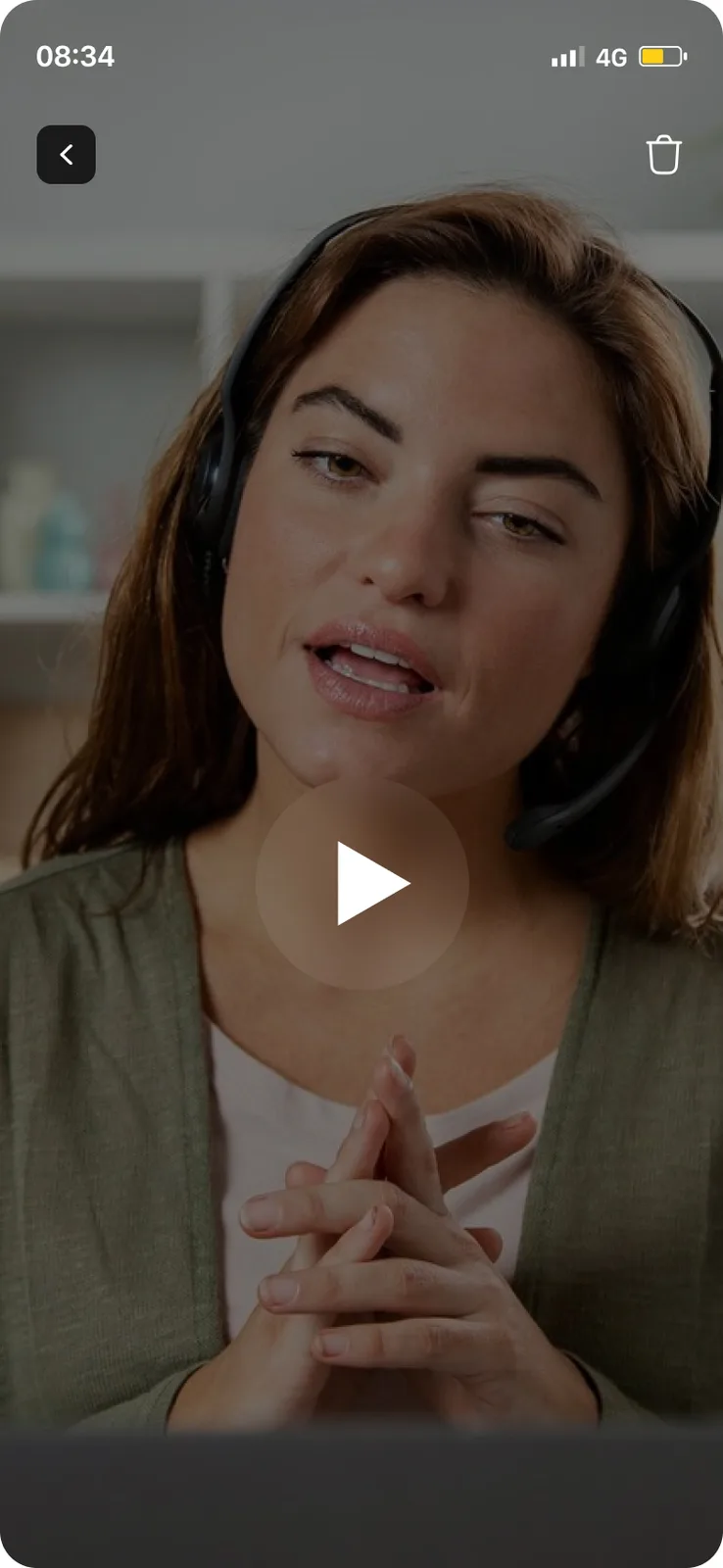
What did BetterAI build for AI Creator?
The design of a mobile app that makes talking videos. You build an AI twin or pick a presenter, write a script with AI or paste your own, and choose a tool: AI Ads, AI Twin, Prompt to video or AI Skits. A Pro subscription screen and settings finish the flow.
What problem does AI Creator solve?
Business owners, marketers and creators need regular talking-head videos and ads. Filming means a camera, a person who is comfortable on screen and time to edit. AI Creator puts the presenter, the script and the finished video in one app, so a topic or a product link is enough to start.
See the full case study
What we built, the real screens, how it works and the tech behind it. Free, about 20 seconds.
What we built
Four creation tools, a presenter library and a script writer, all on one phone screen flow.
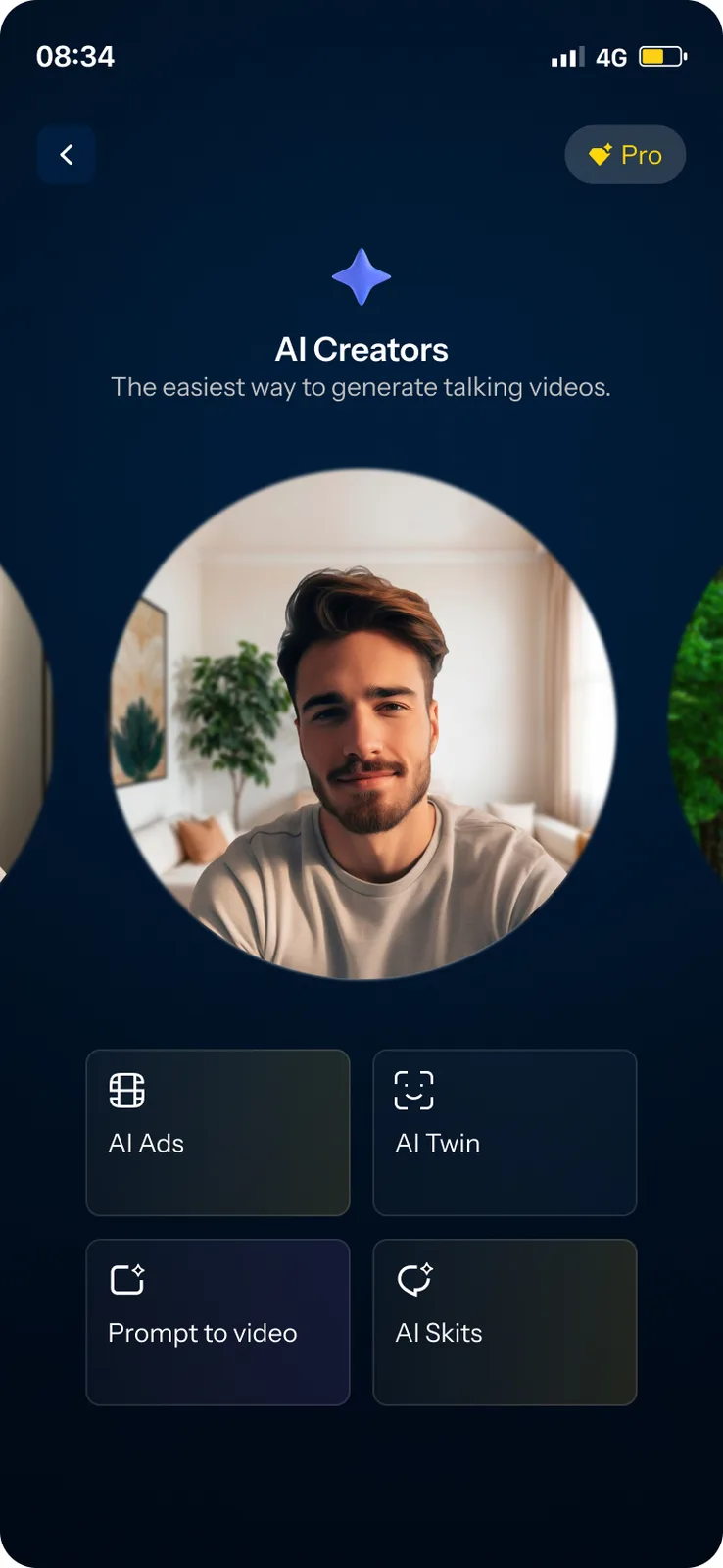
Four ways to make a video, one menu.
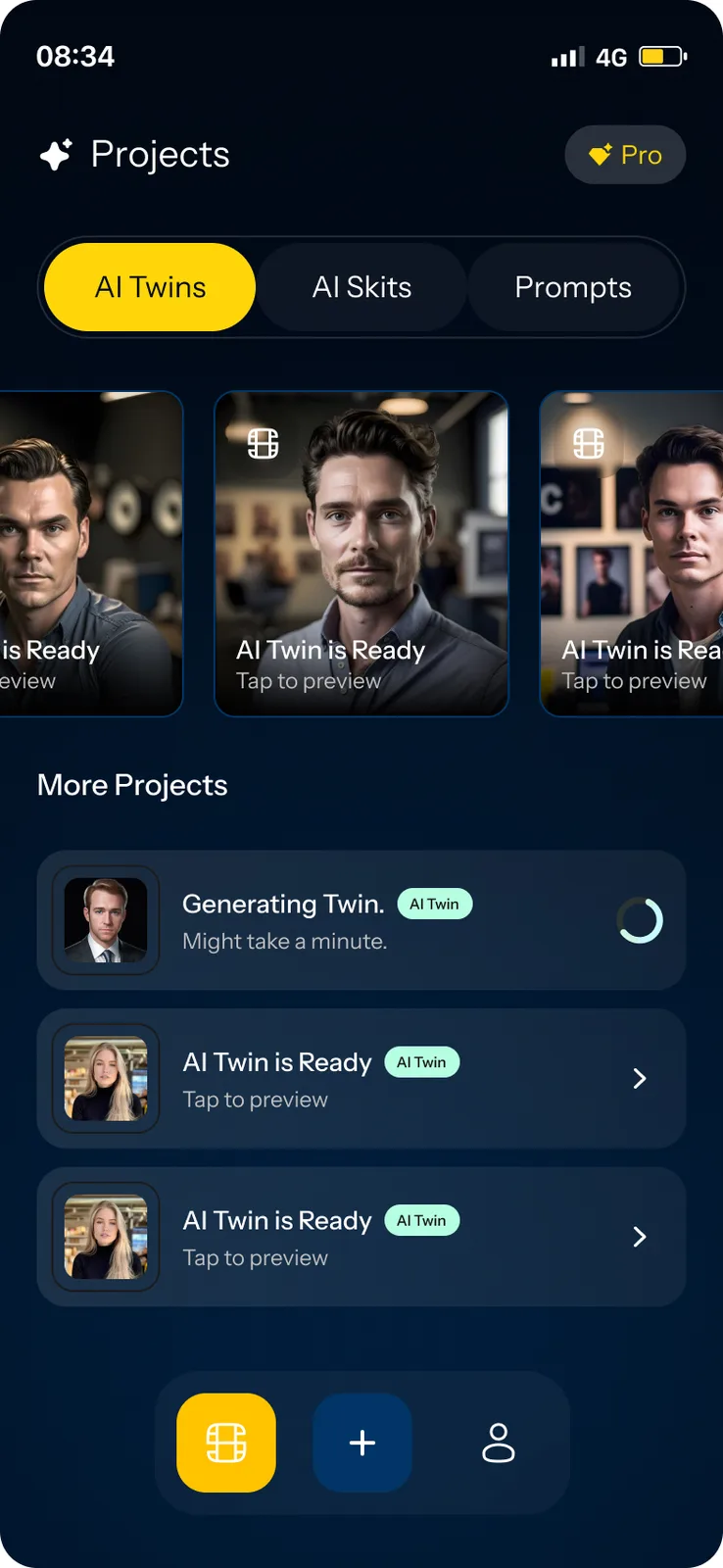
Everything starts from one Create screen. The Projects home keeps your twins, skits and prompts in tabs, with a status on each one that is still being made.
- AI Ads, AI Twin, Prompt to video and AI Skits
- Projects home with AI Twins, AI Skits and Prompts tabs
- A line on each item that is still generating, such as “Might take a minute”
Pick a face. Write the words, or let AI write them.
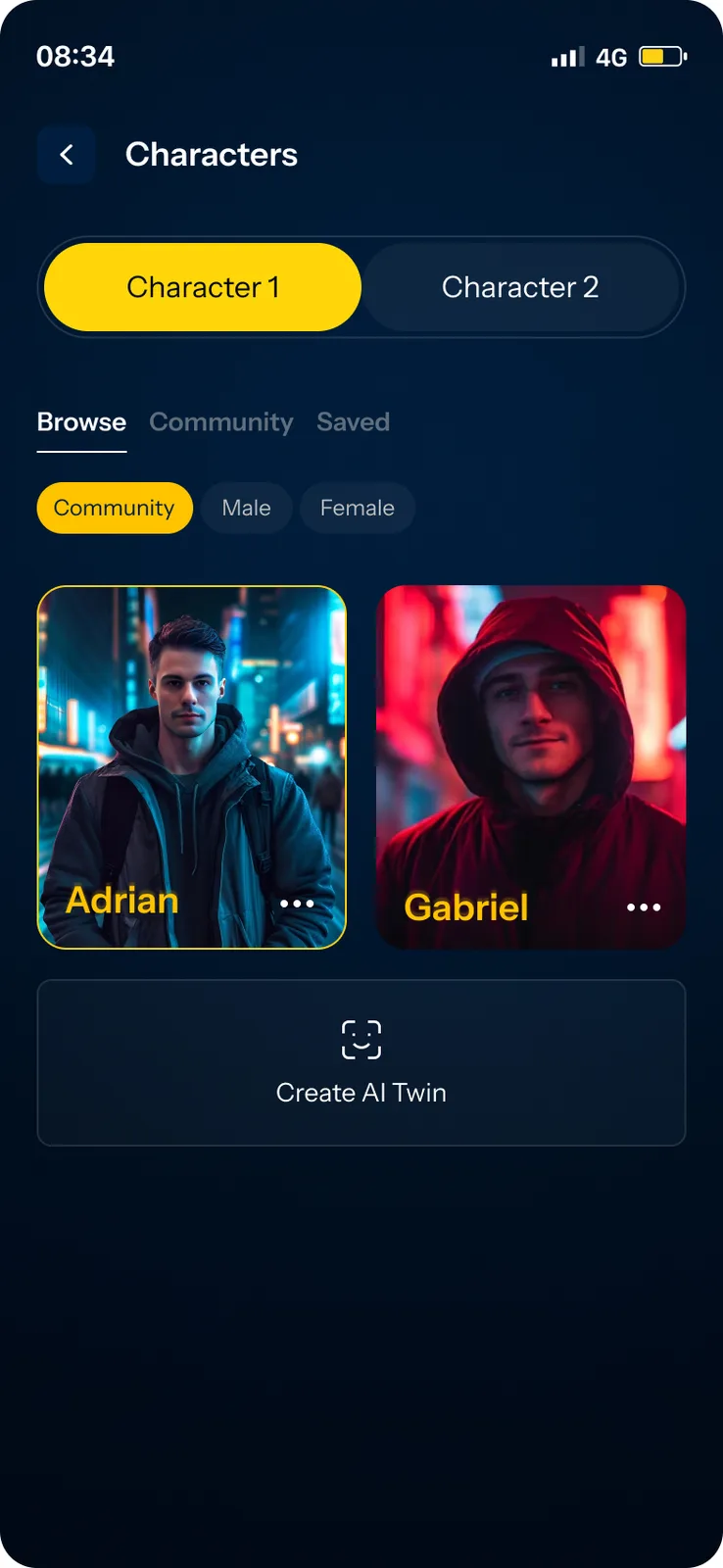
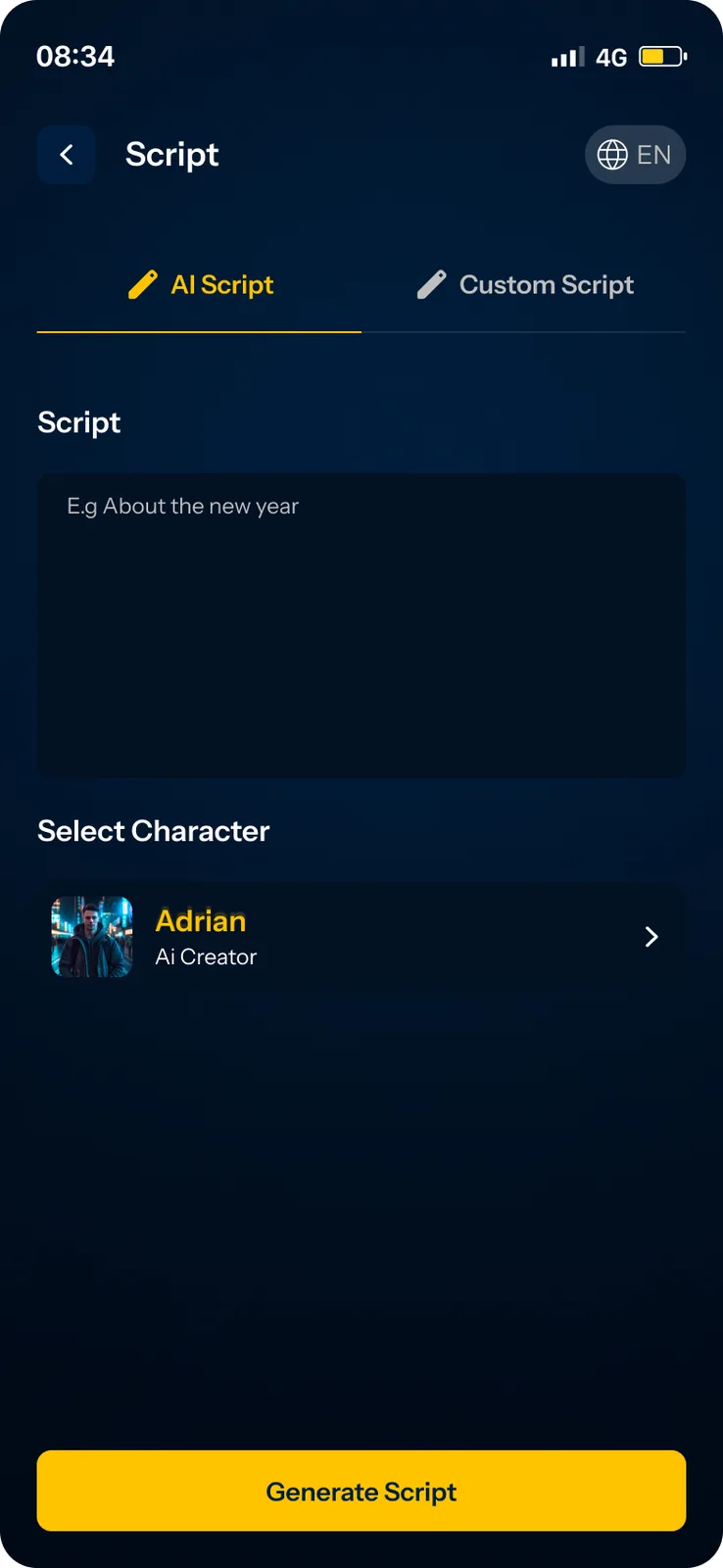
Choose a presenter from a gallery or make your own AI twin. Then type a topic for an AI script, or paste your own script and choose an accent before generating.
- Browse, Community and Saved galleries with Male and Female filters
- A Create AI Twin tile in the character list
- AI Script and Custom Script tabs, with a word count and an accent picker
Paste a product link. Get a talking ad.
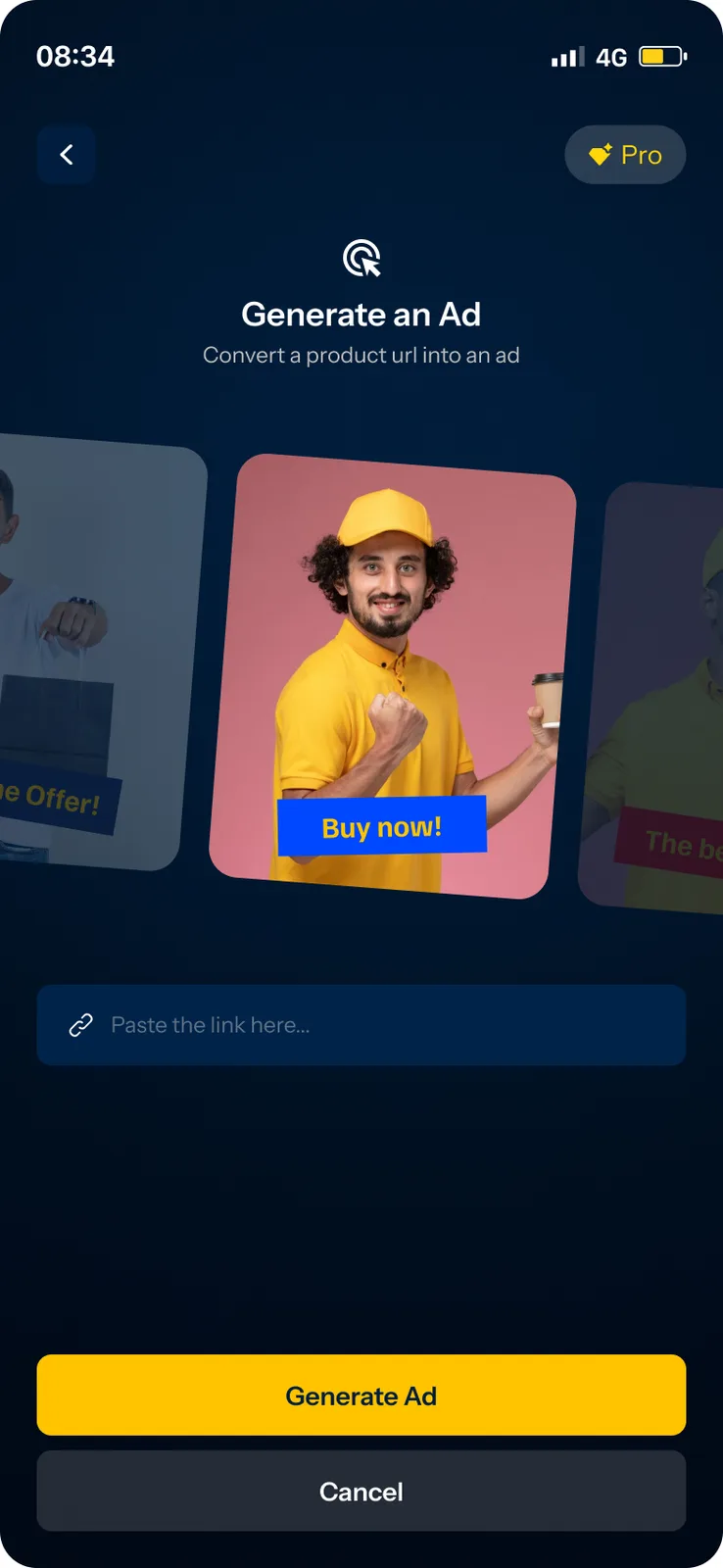
For ads, you paste a link to the product and the app turns it into an ad. You review the scripts it writes, pick a presenter from a row of faces and tap Generate Ad. The finished vertical video plays in the app.
- “Convert a product url into an ad” with example ad cards
- Ad scripts to review before you generate
- A progress screen while the video is made, then a player
A paywall with a free-trial switch.
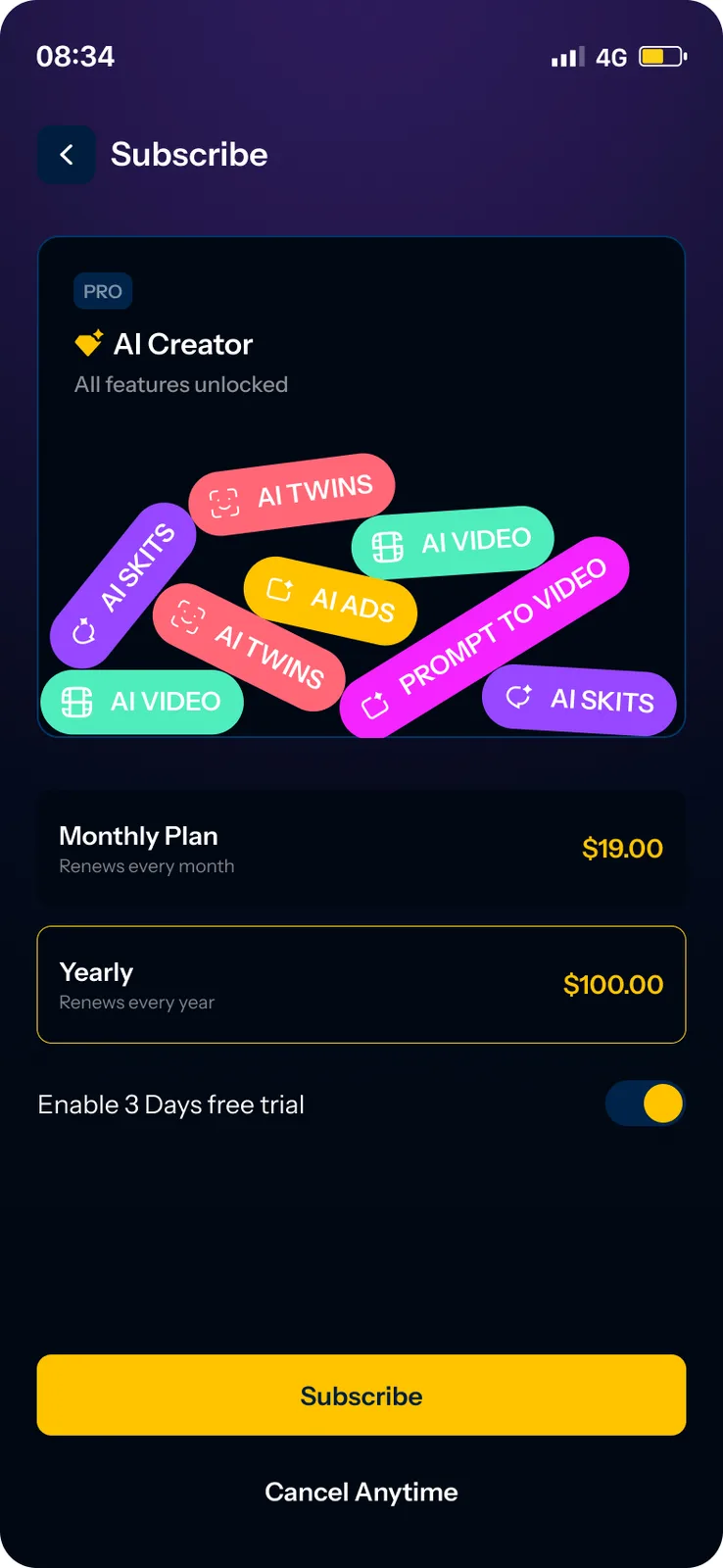
Pro gives access to all the tools. The Subscribe screen shows a monthly and a yearly plan, a switch for a 3-day free trial and a Cancel Anytime link. Settings holds the profile, subscription, terms and account deletion.
- Monthly and yearly plan cards
- Free-trial switch and Cancel Anytime
- Settings: profile, password, email, subscription
How does a video get made?
You open Projects, tap Create and choose a tool. You pick a presenter and give the app the words: a topic for an AI script, your own script, or a product link for an ad. The app shows a progress screen while it generates, then plays the finished vertical video.
- Open ProjectsAI Twins, AI Skits and Prompts, with a status on what is generating
- Choose a toolAI Ads, AI Twin, Prompt to video or AI Skits
- Pick a presenterBrowse, Community or Saved, or create your own AI twin
- Write the scriptType a topic for an AI script, or paste your own
- Or paste a linkA product link becomes an ad with its own script
- Watch the videoA finished vertical video plays in the app
The AI Creator screens
Keep scrolling to see more.
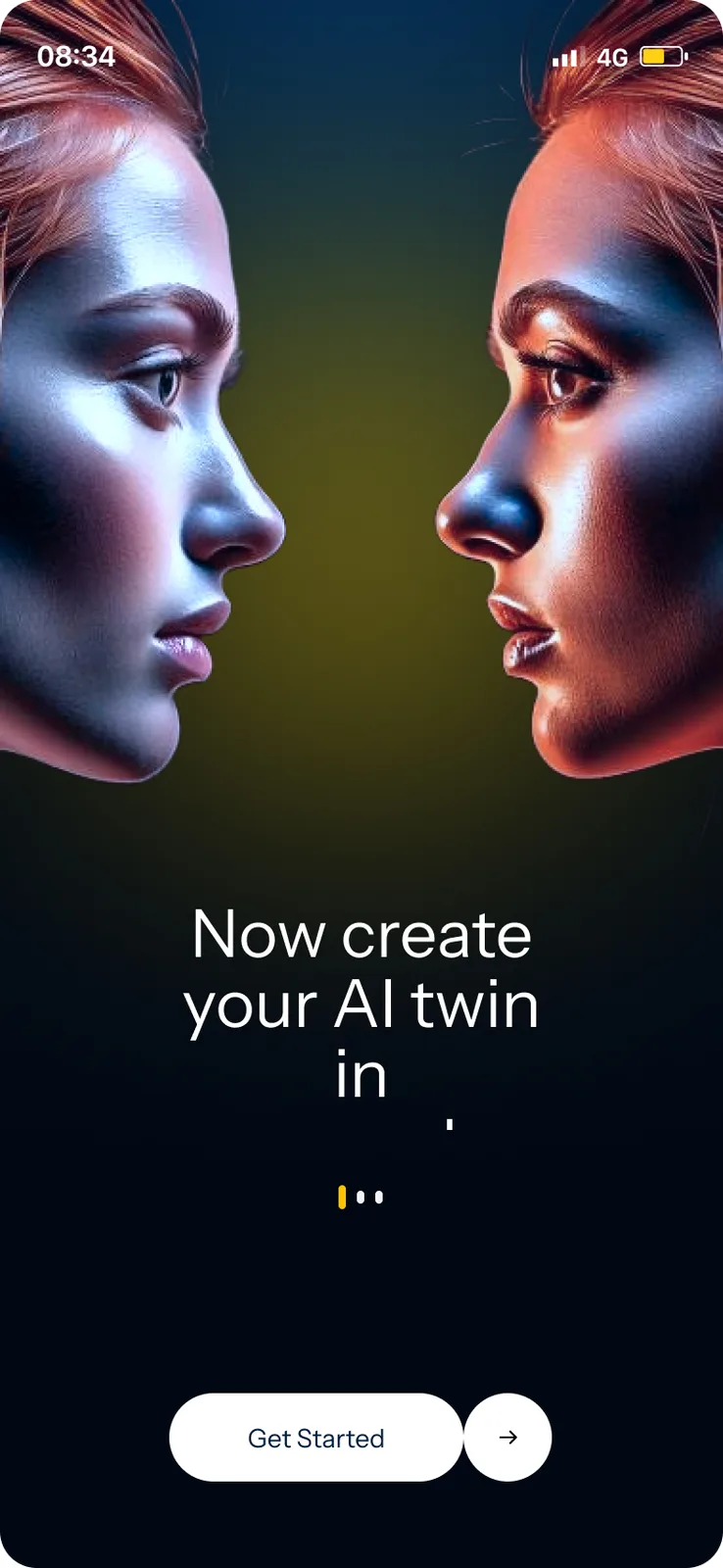
SplashNow create your AI twin
ProjectsTwins, skits and prompts in tabs
CreateFour tools in one menu
CharactersBrowse, Community, Saved
ScriptAI Script or Custom Script
Ad from a linkPaste a product link
Video readyPlay the finished video
SubscribeMonthly, yearly and a free trial
Every screen we designed
33 screens from AI Creator, grouped by who uses them. Tap any screen to see it full size.
What is inside the app?
Designed for iPhone-sized phones, in a dark navy interface with yellow buttons. The screens cover the creation flow and a subscription step. They do not name the AI models behind the video, voice and twin, so we choose and test those to fit your budget and quality bar.
Questions about AI Creator
What can the AI Creator app do?
You make an AI twin or pick a presenter, write or paste a script, and generate a talking video. It also turns a product link into an ad and makes short skits. A Pro plan gives access to all four tools.
Do I need to film anything?
No. The presenter is an AI twin or a ready-made character, and the script comes from a topic you type, your own text or a product link.
Can you build a video app like this for my business?
Yes. We can build the same flow around your brand, your presenters and your product types, and choose the AI models that fit your quality and cost. Book a free AI plan call to map it.
Which AI models does it use?
The screens do not name the AI models. The video, voice and twin models are chosen and tested with the client.
 UrbanBloomAI plant care app
 UpkeepOperations software, app and AI assistant
 YoléFranchise operations and approvals
Want an app like this?
Book a free call. Tell us what your customers would make with a tap and we will show you what to build first.
Build my project