UrbanBloom: plant care with AI, from scan to reminder
People lose houseplants to the wrong light, too much or too little water, and diseases they do not recognise. We designed one app that answers what a plant is, whether it is healthy and what to do today, straight from the camera.

What did BetterAI build for UrbanBloom?
The plan and design for a plant-care app: scan a plant to get its name and health, diagnose disease and read the cure, measure light and pot size, calculate watering and set reminders, plus a desktop dashboard for growth, light and soil.
What problem does UrbanBloom solve?
Plant-care advice online is generic, so owners guess. The wrong light, too much or too little water and unfamiliar diseases kill plants. The client wanted one app that answers three questions from the camera: what is this plant, is it healthy, and what should I do today?
What we built
A phone app and a desktop dashboard that work from the same plants.
Growth, light and soil on a big screen.
Growth analysis over time, live light, humidity and soil health for each plant, and a store-admin view for garden shops.

Point at a plant. Get its name.

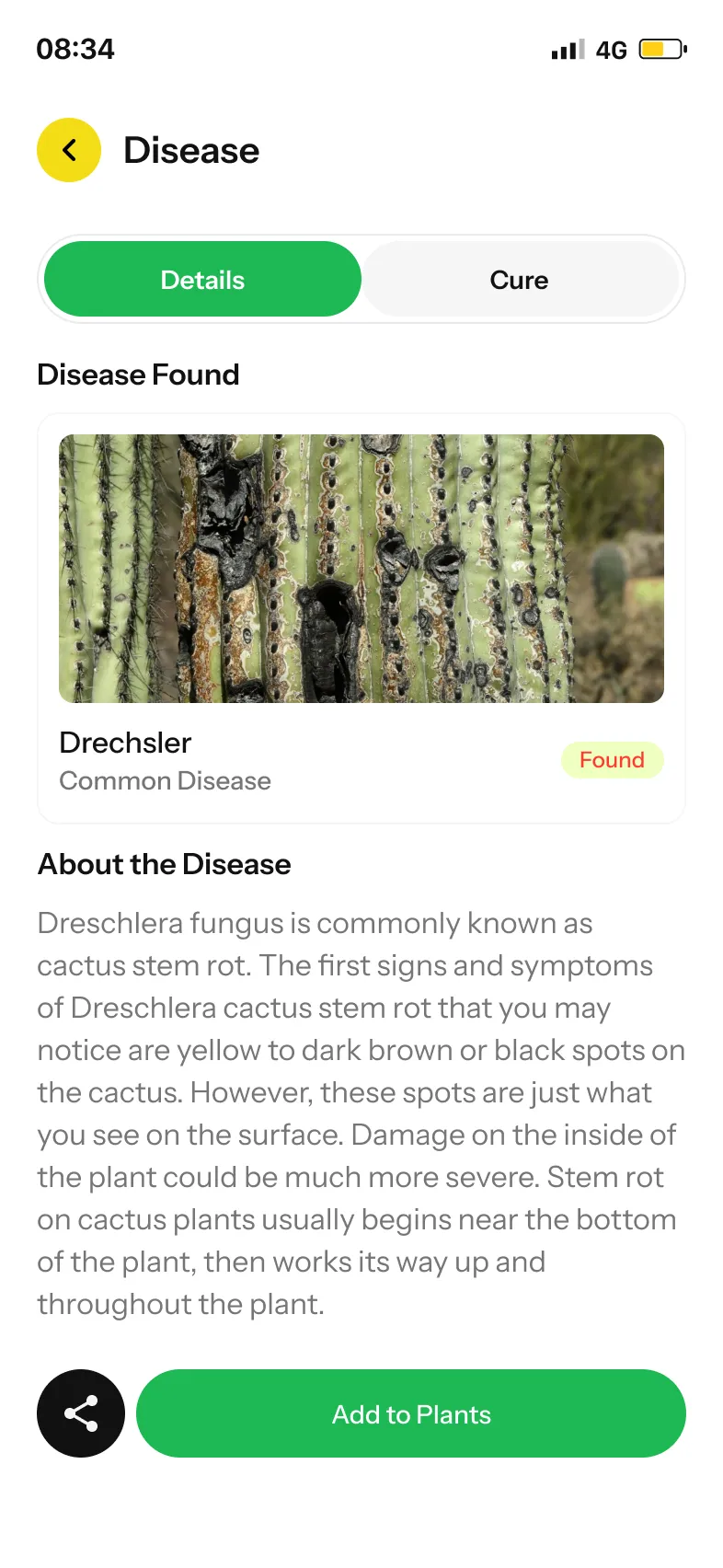
Spot the disease, read the cure.
Is the room bright enough?

Water, mist, feed.

How does a scan turn into a care plan?
You scan a plant, the AI identifies it, and the app shows its care details and any problem. You add it to My Plants and set reminders. The Pot Meter and Light Meter feed the Water Calculator, so watering advice depends on your pot, your room and your climate.


- Scan the plantPoint the camera at it
- Name and healthTemperature, light, humidity, disease status, soil pH
- Spot the diseaseA Disease Found page with a description
- Read the cureA separate Cure tab explains the treatment
- Work out the waterPot size, humidity and temperature in, amount out
- Set remindersWatering, misting or feeding, daily, weekly or monthly
The UrbanBloom app
Keep scrolling to see more.
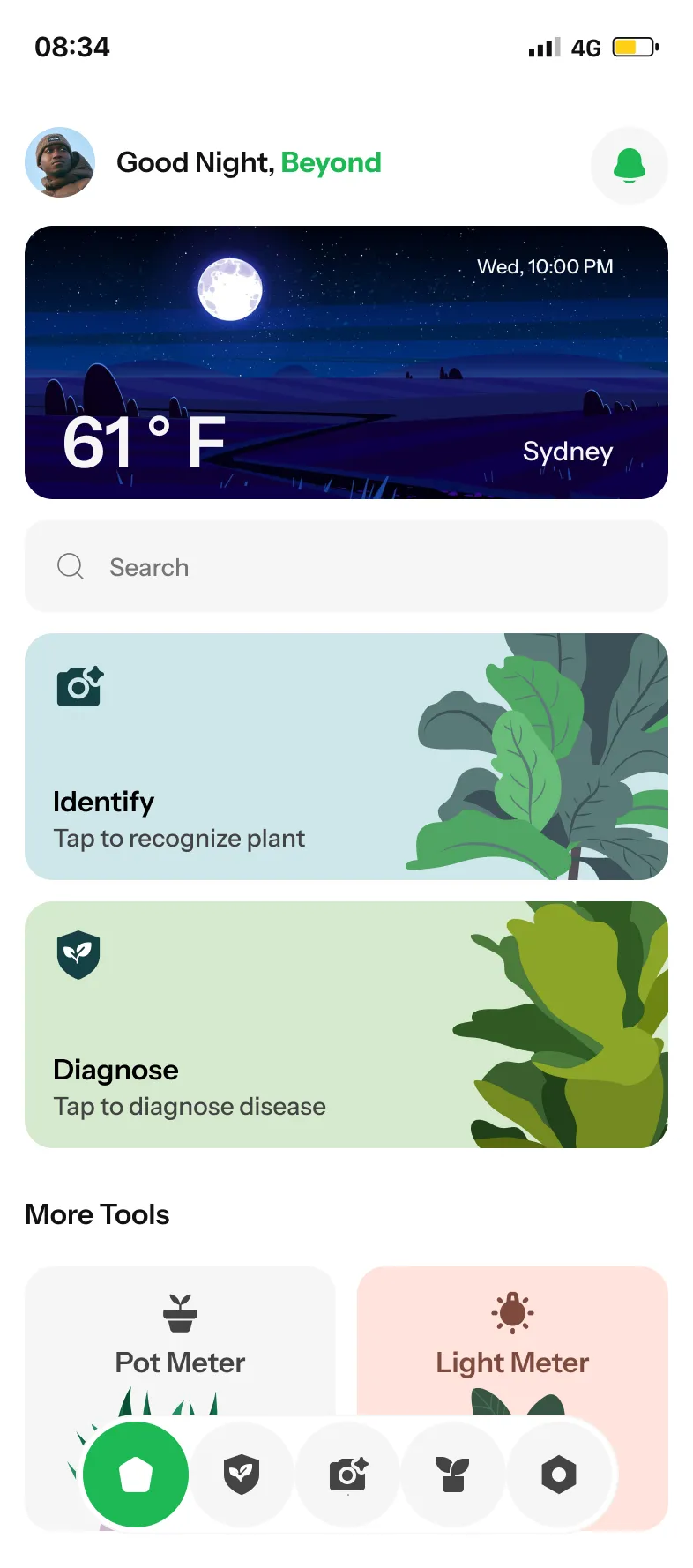
HomeIdentify, Diagnose and More Tools
Plant detailsLight, humidity, disease and soil pH
CureHow to treat what the scan found
Light MeterA live LUX reading and a plain verdict

Pot MeterMeasure the pot with the camera
Water CalculatorHow much to water, for this pot
RemindersWatering, misting and fertilising

My PlantsAdd by scanning or by search
What is inside the app?
Camera-based plant identification and disease diagnosis, a light meter and a pot meter, a water calculator that uses both, reminders on a calendar, a searchable plant library by category, and a desktop dashboard. The screens are designed for iPhone-sized phones.
Questions about UrbanBloom
What can the UrbanBloom app do?
It identifies a plant from a photo, spots a disease and explains the cure, measures light and pot size, calculates how much to water, and reminds you when to water, mist or feed.
Is UrbanBloom a phone app?
The screens are designed for iPhone-sized phones, with a desktop dashboard for growth, light and soil alongside. For a new project we choose the platforms to fit your customers.
Can you build a similar app for a nursery or garden shop?
Yes. The same flow of scan, identify, advise and remind works as a branded app for garden centres, plant shops and growers. Book a free AI plan call and we will map it to your plant list.
How does the AI know my plant?
It compares the camera image with a plant library and shows that plant's care details. We choose and test the model to fit your plant list and your region.
 UpkeepOperations software, app and AI assistant
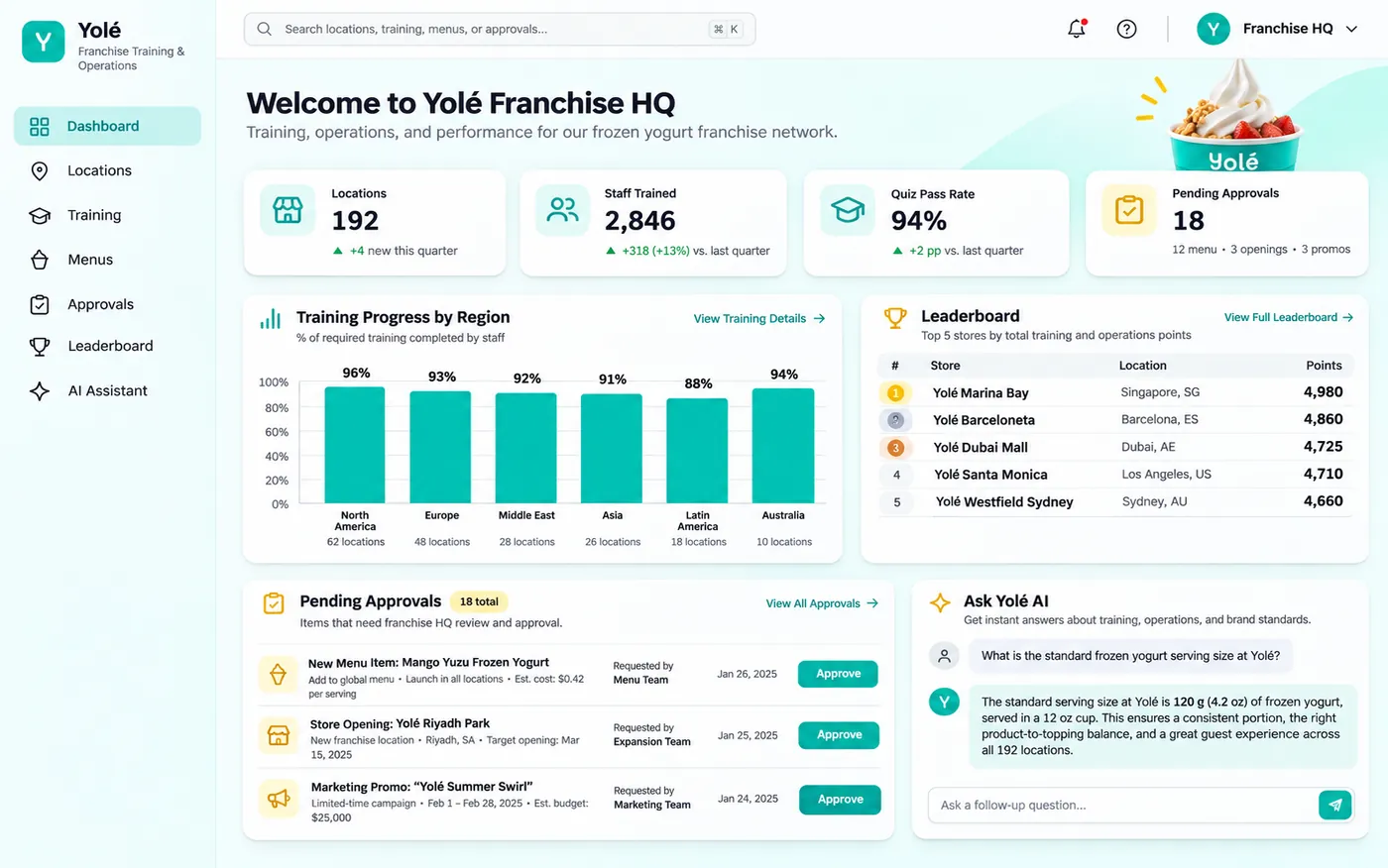 YoléFranchise operations and approvals
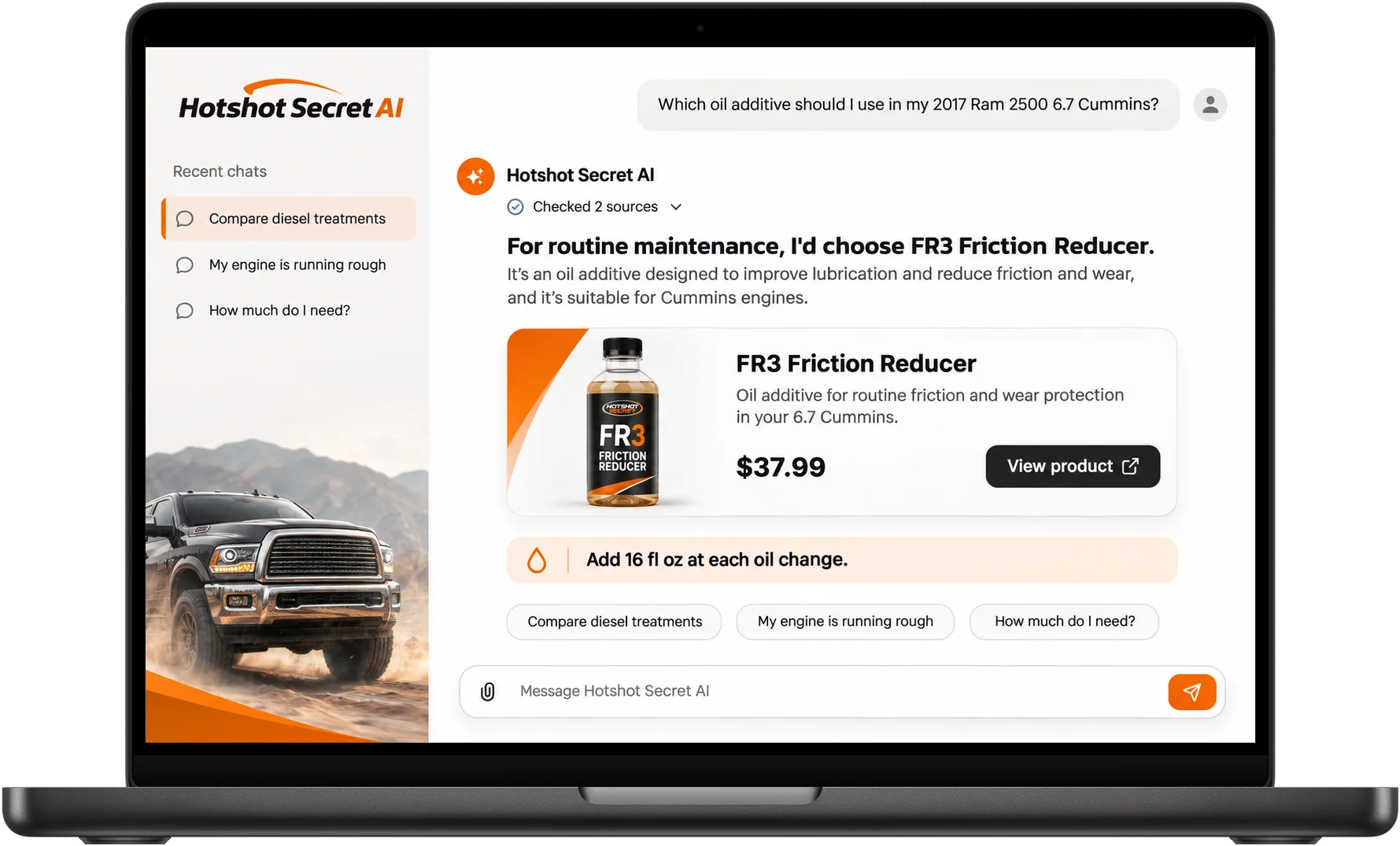 Hot Shot's SecretAI product expert
Want an app like this?
Book a free call. Tell us what your customers need to figure out and we will show you what to build first.
Build my project