SurfaceFlow: one click instead of one hour of copying
Project managers at a sports-surface installer kept repeating the same manual steps in the web tools they use all day. We added the automation right inside those tools, so one button does the work.
Tennis court resurface
- Daily log updatedConfirmation added
- FilesConfirmation saved
- Cost codeTravel
- Schedule updatedProject manager tagged
SurfaceFlow at work
- Reads the job address, dates and crew size from the page
- Checks company-owned housing within 50 miles first
- Searches Airbnb, Expedia, Kayak and others at once
- Ranks by total cost, cost per person, distance and cancellation policy
- Texts the project manager the best option
Text message
What did BetterAI build for SurfaceFlow?
A Chrome and Edge extension that adds one-click automation buttons inside the web tools the team already uses, such as BuilderTrend and Salesforce, plus a back end that runs every automation and a web portal. The first automations book crew hotels with AI and enrich Salesforce leads.
What problem did SurfaceFlow have?
Project managers kept doing the same manual steps in the web tools they use all day. Booking hotels for crews by hand, job after job, is one example: look up the address, dates and crew size, compare places, book, then write the details back into the job.
What we built
One extension, a back end behind it, and automations that each do a whole job.
New buttons right on the page.
Staff install it once. When they open a supported page, such as a BuilderTrend job or a Salesforce record, the buttons appear in place.
50miles of company housing checked first.
Then Airbnb, Expedia, Kayak and others, ranked by total cost, cost per person, distance and cancellation policy.
A text, then YES or NO.
No money is spent until the project manager says YES.
The job updates itself.
Daily log, files, travel cost code and schedule, with the project manager tagged.
Lead enrichment in one click.
Built with Seamless.AI.
Every automation is a module, not an install.
The back end holds and runs each automation and the web portal gives the team a dashboard. A new automation is a new module on the server, so nobody installs anything new.
- Book Hotel with AIModule
- Salesforce lead enrichmentModule
- Your next automationNew module, no install
How does one click turn into a booking?
The project manager opens a job as usual and clicks the button. The AI reads the details from the page, checks company housing, searches booking sites, ranks the options and texts the best one. After a YES, it books, saves the confirmation and writes it back into the job.
- Open the jobAs usual, in BuilderTrend
- Click the buttonBook Hotel with AI
- AI checks the detailsAddress, dates, crew size
- Options rankedCost, distance, cancellation
- Text YES or NOThe project manager decides
- Saved to the jobLog, files, cost code, schedule
Which tools does it connect?
SurfaceFlow works inside BuilderTrend and Salesforce, which are tools the client already uses. A browser extension adds the buttons, a back end runs each automation, AI does the research and ranking, and text messages handle approval.
Questions about SurfaceFlow
What did BetterAI build for SurfaceFlow?
BetterAI built a Chrome and Edge extension that adds one-click automation buttons inside the web tools a sports-surface installer already uses, plus a back end that runs each automation and a web portal. The first automations book crew hotels with AI and enrich Salesforce leads.
Does a person stay in control of the hotel booking?
Yes. The AI ranks the options, then the project manager receives a text with the best one and replies YES or NO. Nothing is booked and no money is spent until the answer is YES.
Do staff have to install something new for every automation?
No. The extension is installed once. Every automation lives as a module in the back end, so a new automation appears as a new button on the supported page without anything new to install.
Can BetterAI build something like SurfaceFlow for my business?
Yes. If your team repeats the same steps in web tools every day, we can add one-click automations right inside those tools. Book a free AI plan call, show us the steps, and we will tell you what to build first.
 UpkeepOperations software, app and AI assistant
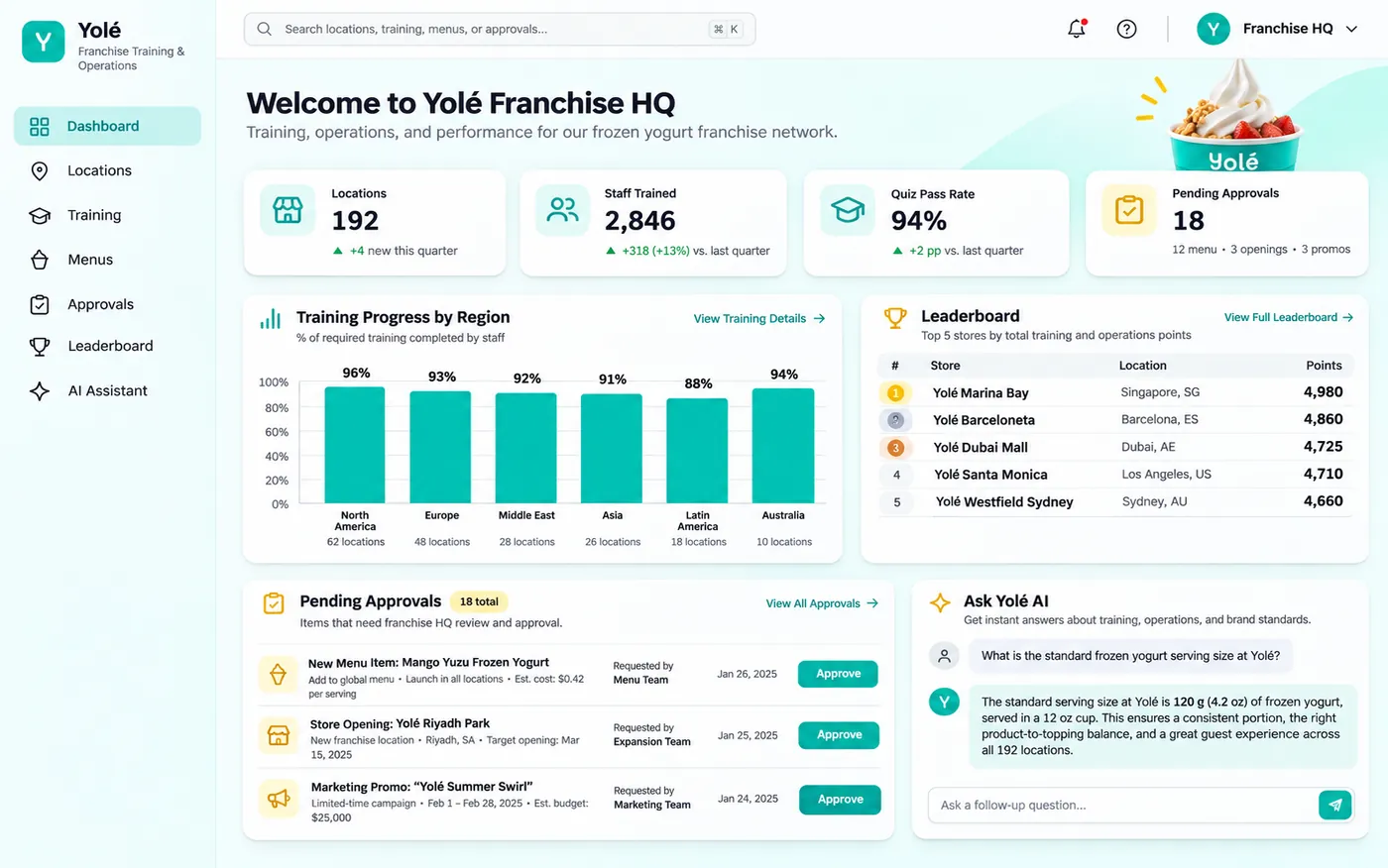 YoléFranchise operations and approvals
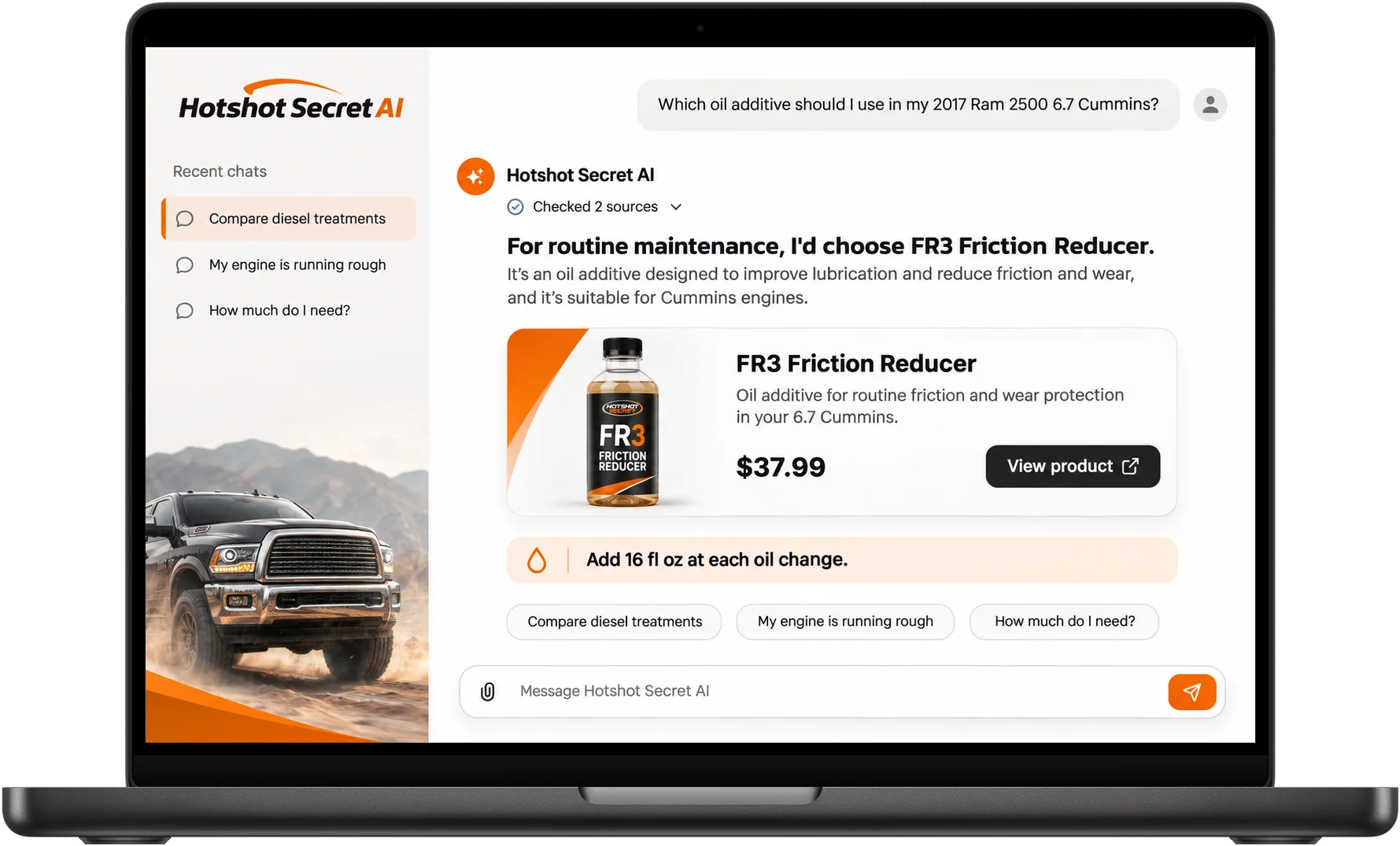 Hot Shot's SecretAI product expert
Want one click instead of one hour?
Book a free call. Show us the steps your team repeats and we will tell you what to automate first.
Build my project