
InScan: scan your Instagram profile, get a score and the fixes
It is hard to see your own profile the way a stranger does. InScan reads screenshots of your profile and grid, scores it out of 100 and lists the changes worth making. We designed the phone app and the AI flow behind it.
What did BetterAI build for InScan?
BetterAI designed InScan, an app that scans screenshots of an Instagram profile and grid, scores it out of 100 for visual appeal, social value, friendship compatibility and cohesion, and suggests fixes with point rewards. It tracks scores over time, supports rescans and has a Pro plan.
What problem does InScan solve?
Creators, small businesses and personal brands all want a profile that looks right, but there is little to measure it against. InScan puts a number on it, shows which part is weak and lists what to change. Then you rescan and see whether the number moved.
See the full case study
What we built, the real screens, how it works and the tech behind it. Free, about 20 seconds.
What we built
A scanner, a score and a to-do list, in one phone app.
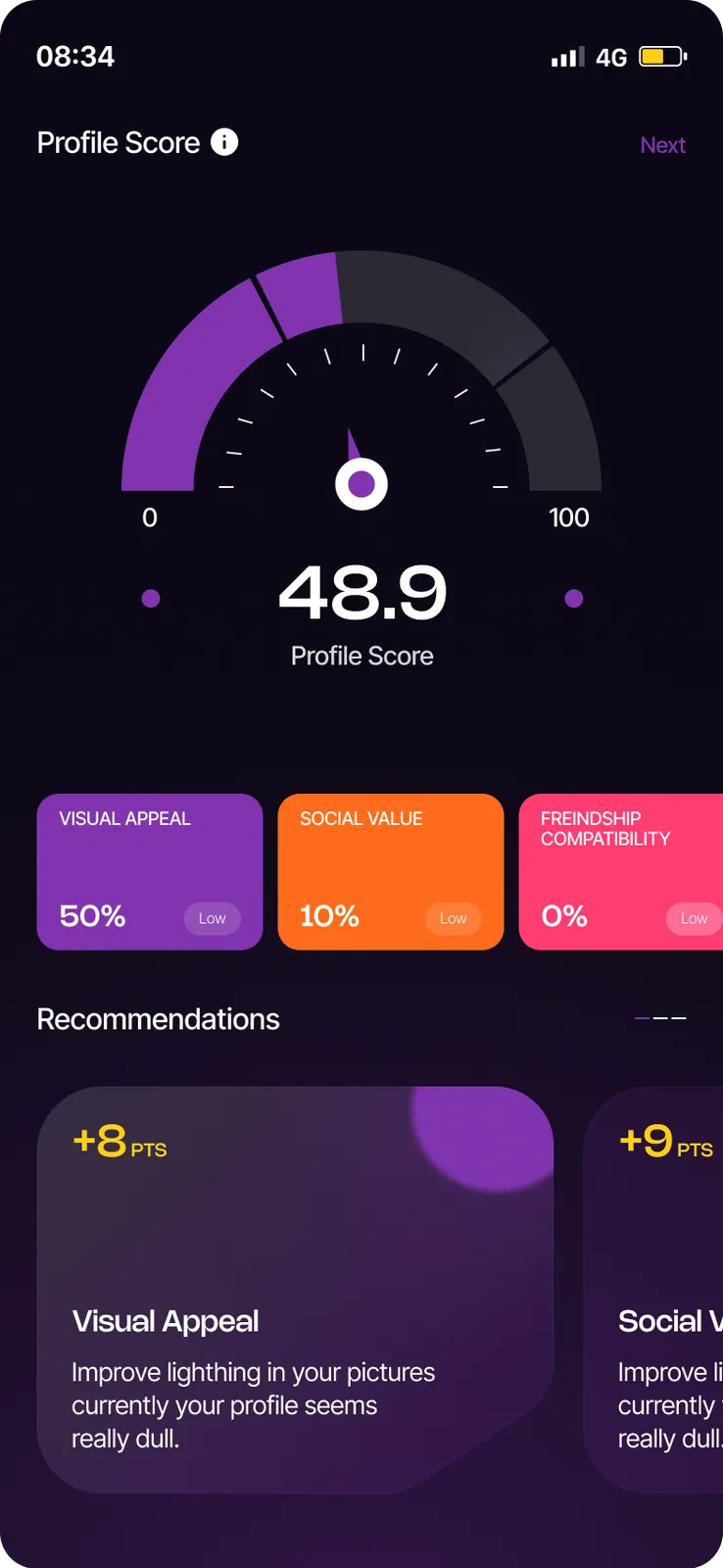
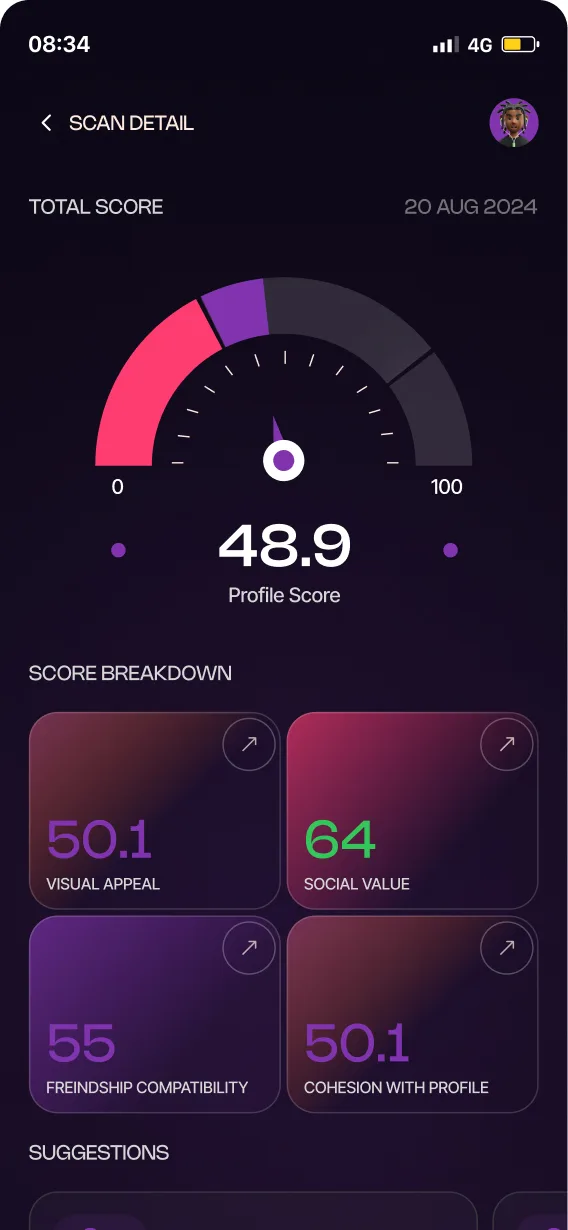
A number out of 100, on a gauge.
One headline score, with Visual Appeal, Social Value and Friendship Compatibility chips under it and recommendations below.
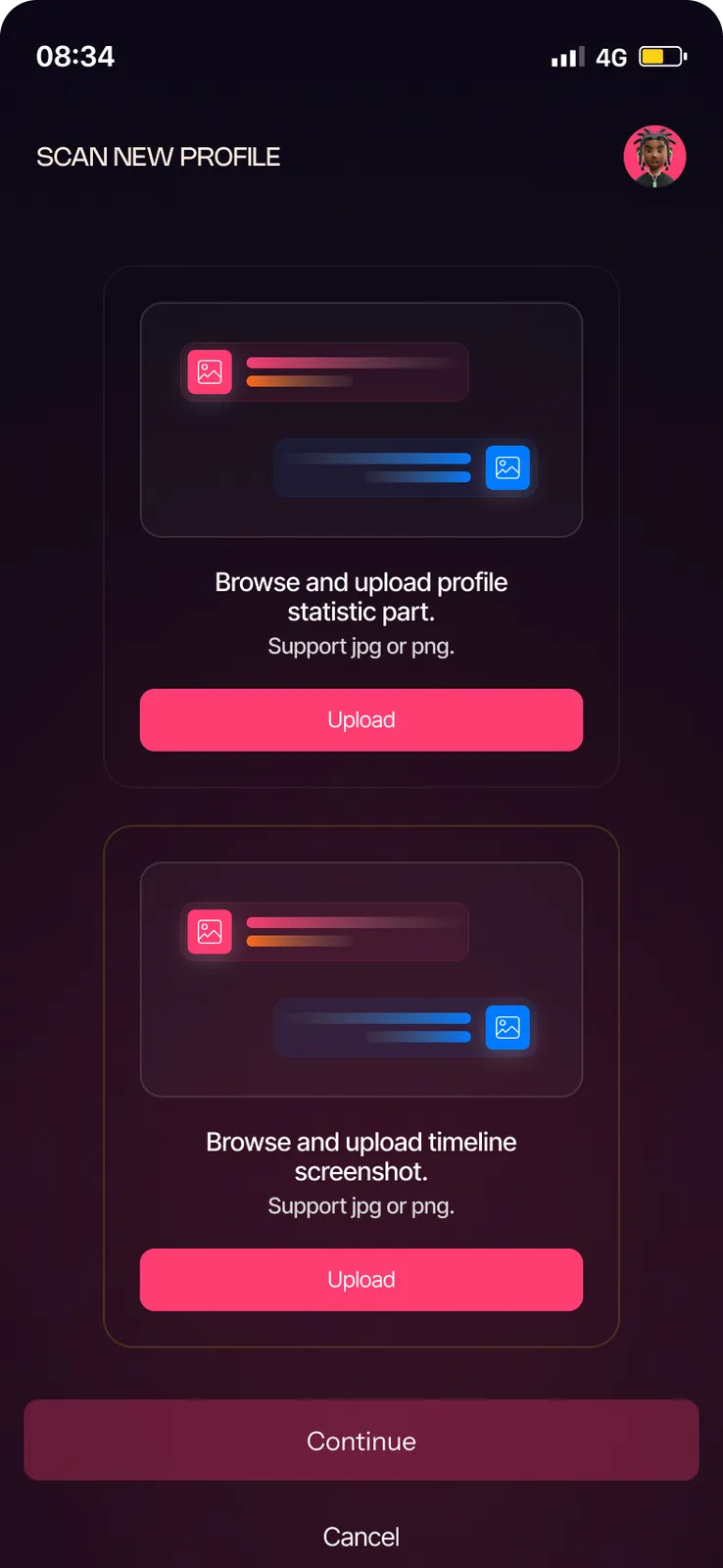
Two screenshots.
One of the profile statistics and one of the timeline, jpg or png.
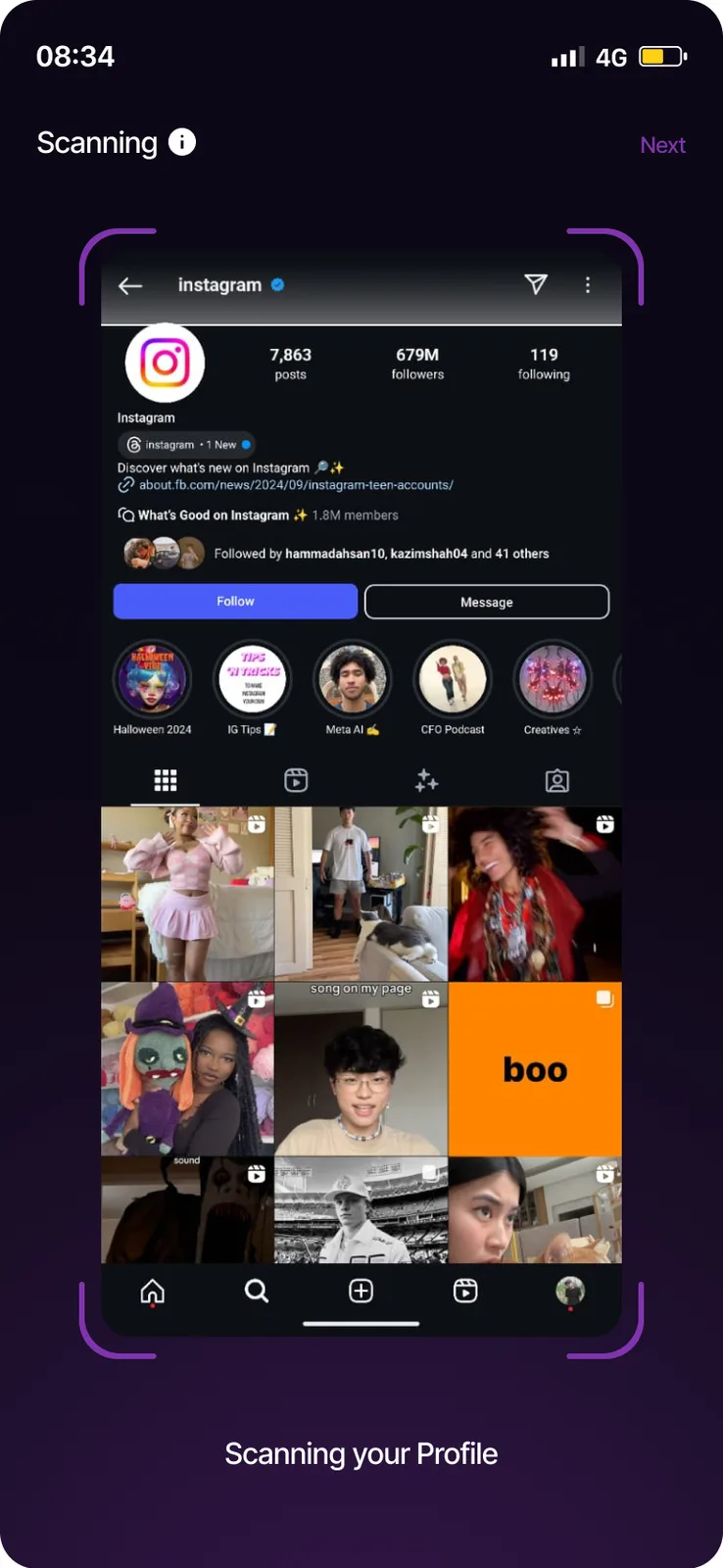
Watch it scan.
The uploaded profile sits inside scanner brackets while the AI works.
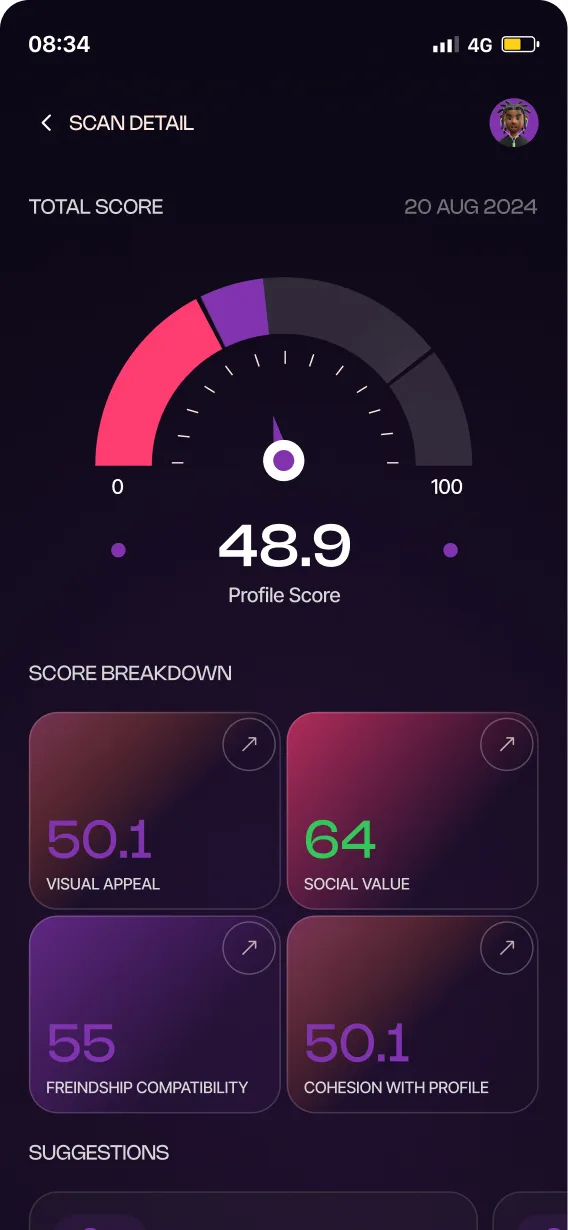
Four parts, each scored.
Visual Appeal, Social Value, Friendship Compatibility and Cohesion with Profile.
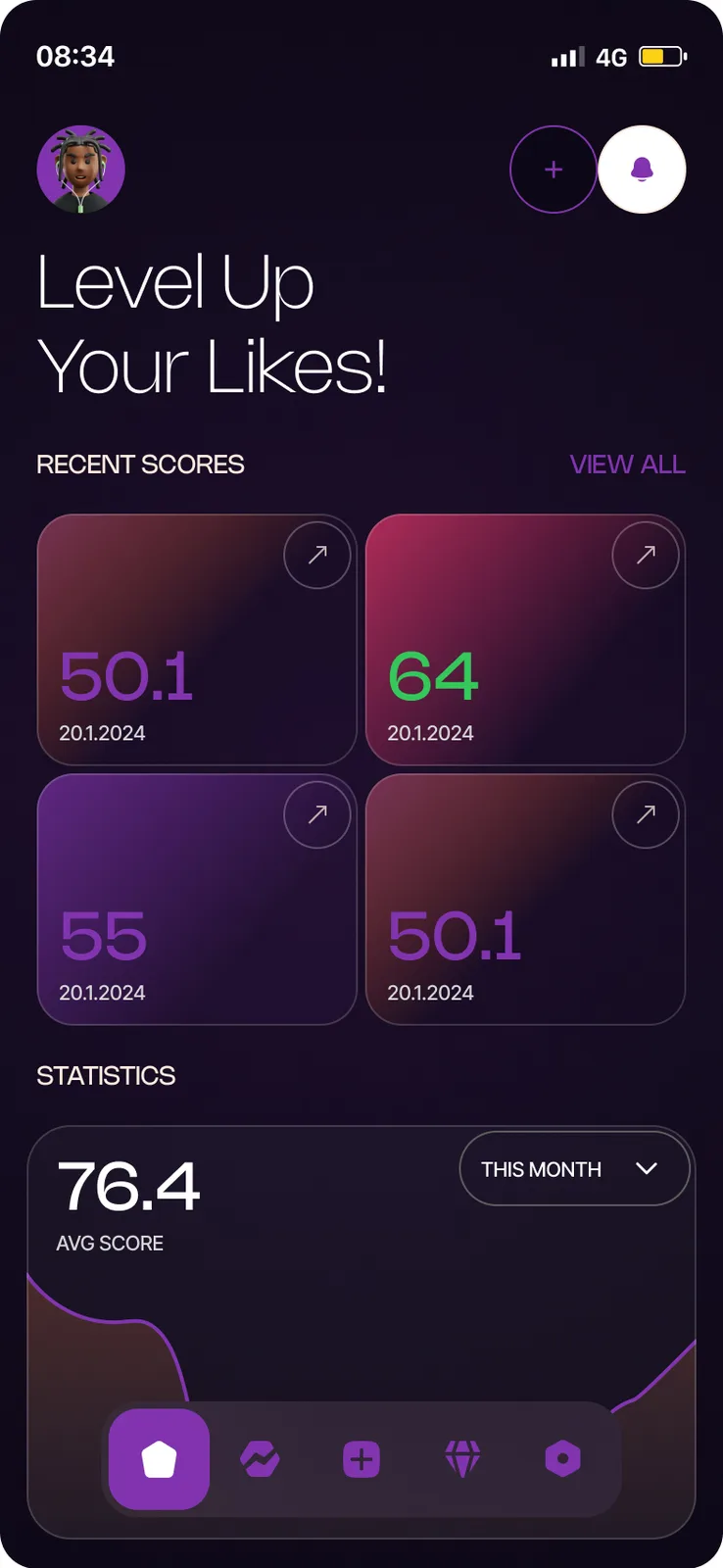
Level up your likes.
Recent scores and an average at a glance, with a button to scan again.
Which profile to improve?
The setup asks which profile you want to improve: Instagram, Tinder or Other.
Total score, suggestions.
Tap a score to see its breakdown, suggestions and the photos scanned.
Reads the bio and the grid.
The AI backend does three jobs.
- Profile analysis from the bio and grid screenshots
- Single-post analysis
- Follow-up rescans that check which suggestions were applied
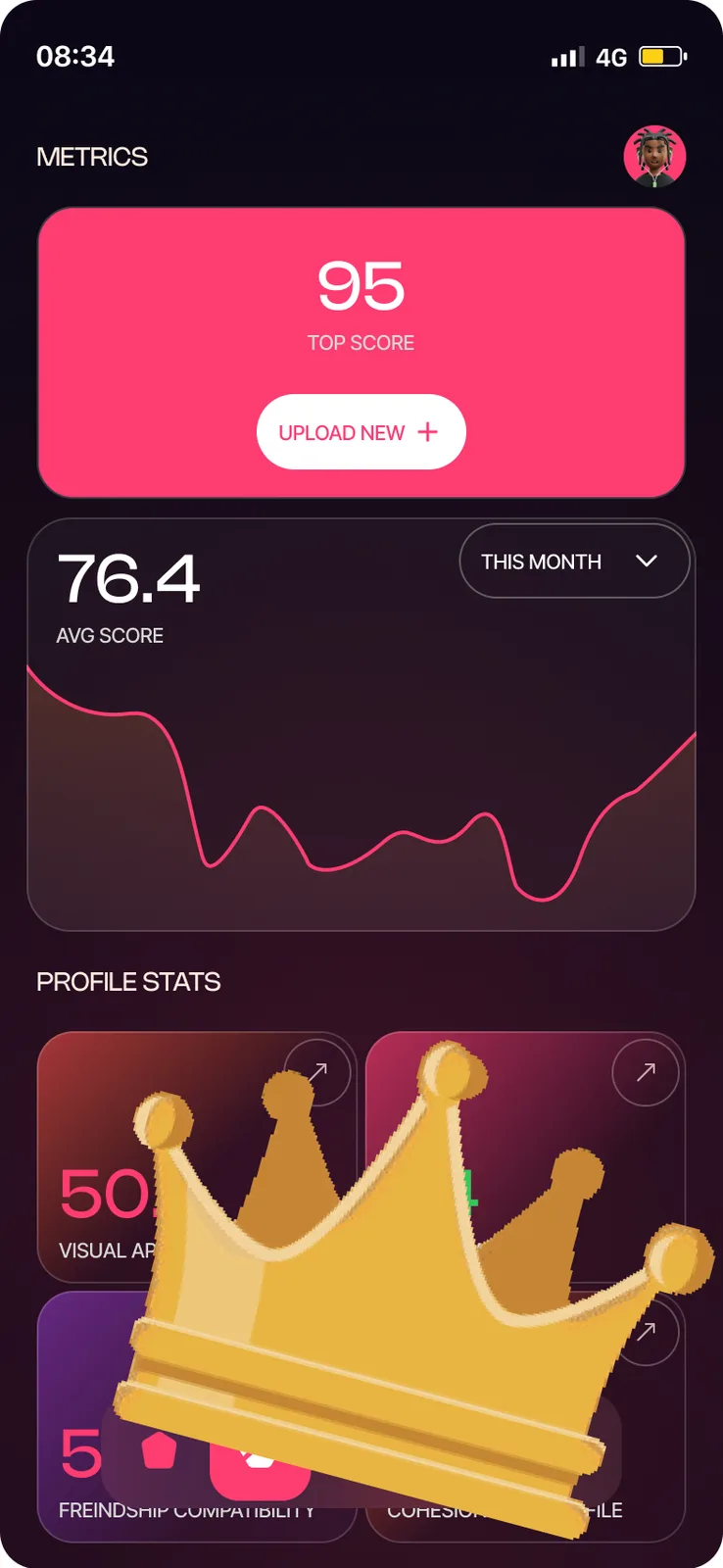
Top score and trend.
A top score, an average-score chart by month and profile stats.
Unlimited scans.
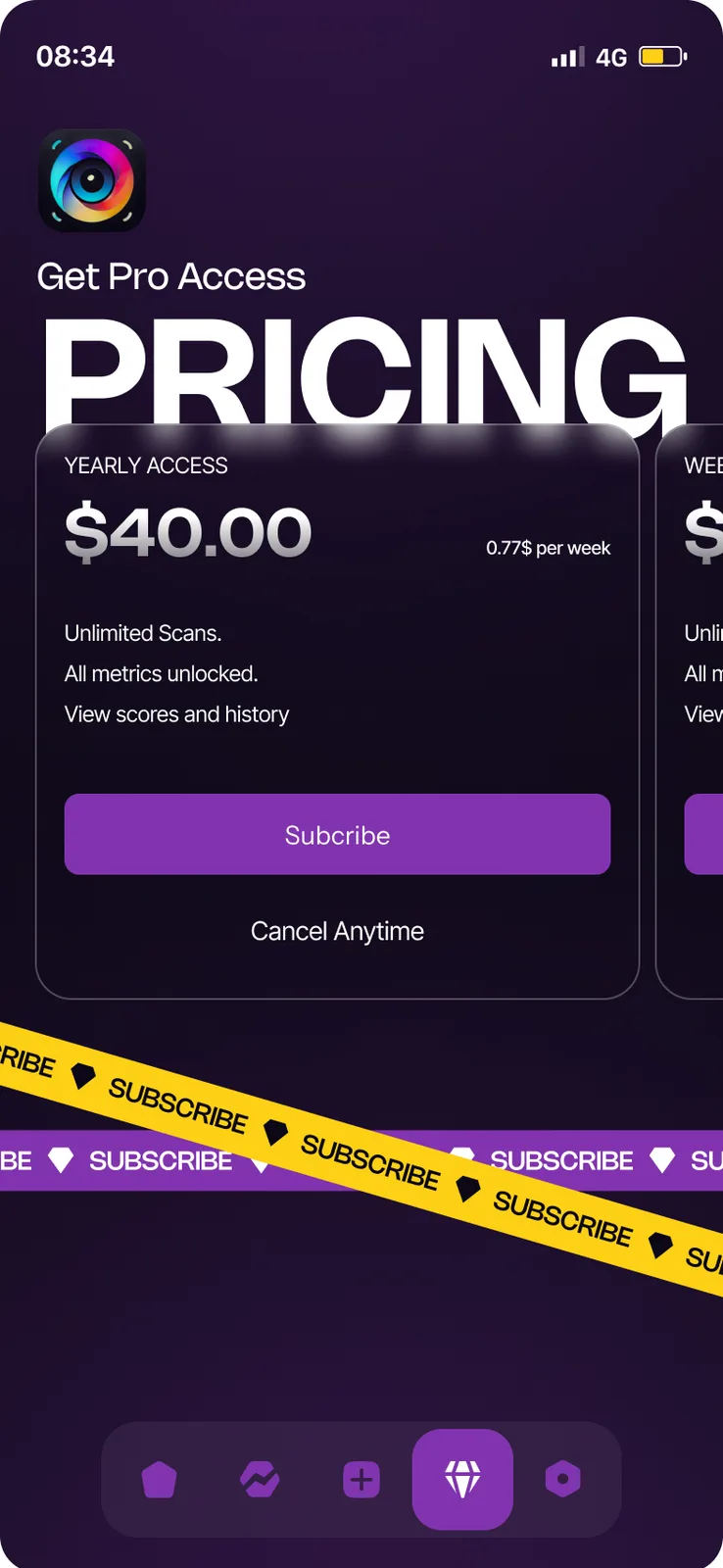
A Pro screen unlocks unlimited scans, all metrics, scores and history.
How does a screenshot turn into a score?
You pick the profile you want to improve (Instagram first, with Tinder and Other also listed), upload two screenshots and watch the scan. The app shows a Profile Score out of 100, a breakdown and suggestions with point rewards. After you make changes you rescan and the history shows the trend.
The InScan screens
Keep scrolling to see more.
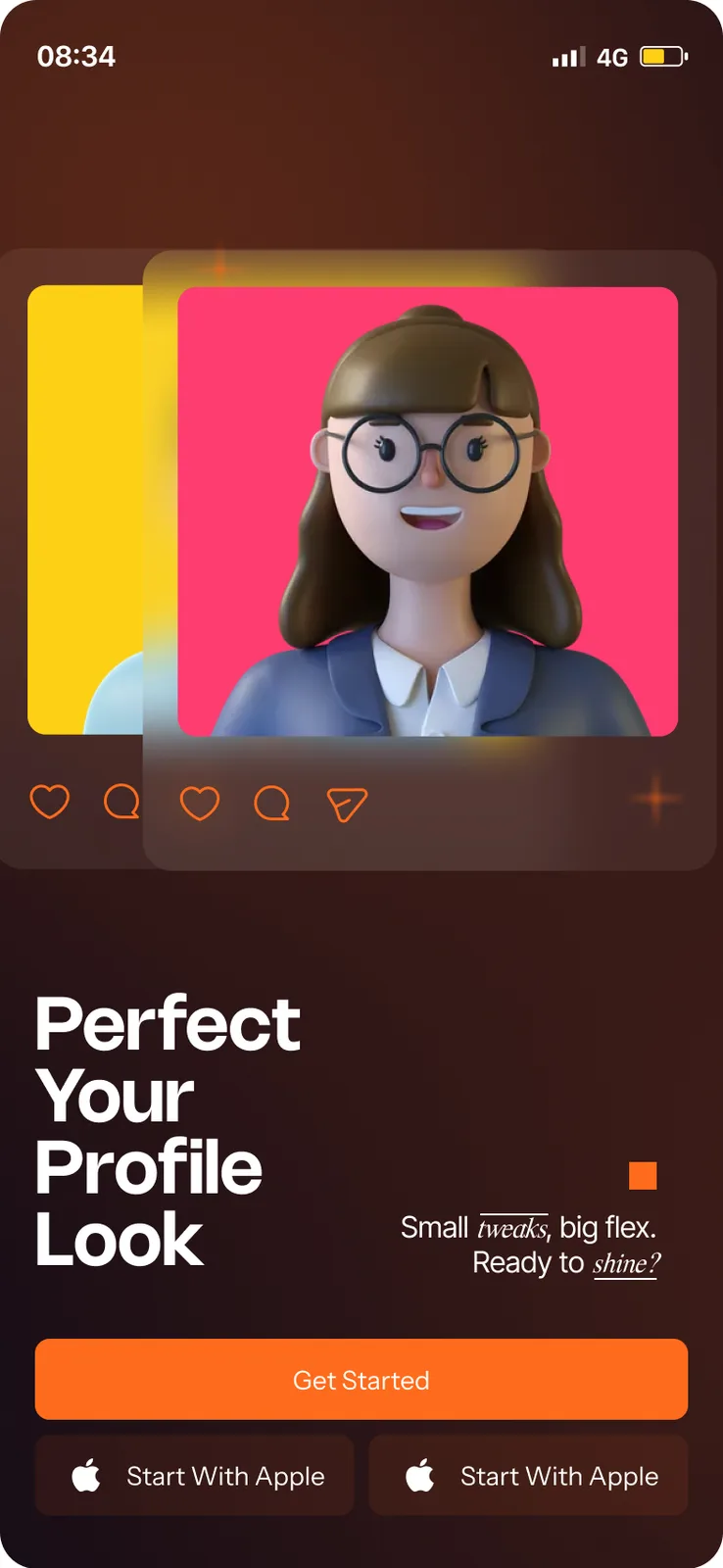
SplashPerfect Your Profile Look
UploadTwo screenshots
ScanningScanner brackets
Profile ScoreA gauge out of 100
BreakdownFour scored parts
Scan detailSuggestions and photos scanned
HomeRecent scores
MetricsTop score and trend
ProUnlimited scans
Every screen we designed
26 screens from InScan, grouped by who uses them. Tap any screen to see it full size.
What is inside the product?
A phone app with an AI backend. Inside: screenshot upload, a scanner screen, a Profile Score gauge, a four-part breakdown, point-based suggestions, recent scores, an average-score chart, a top score, rescans, a share screen that earns free scanners and a Pro plan. The AI backend does profile analysis from the bio and grid screenshots, single-post analysis and follow-up rescans. The screens are designed for iPhone-sized phones.
Questions about InScan
What does InScan do?
It scans screenshots of an Instagram profile and grid, gives the profile a score out of 100, breaks it into Visual Appeal, Social Value, Friendship Compatibility and Cohesion with Profile, and lists fixes with the points each could add.
Does it work from my Instagram login?
The designed flow works from two screenshots you upload: one of the profile statistics and one of the timeline. For a new project we decide with you what data the app should ask for.
How is the score worked out?
The screens show four scored parts. The AI backend reads the bio and the grid screenshots, can analyse a single post and can run rescans that check which suggestions were applied. For a new project we define the scoring with you and test it against profiles you trust.
Can you build a scoring app like InScan?
Yes. Upload, scan, score, fix and rescan works for portfolios, shop pages, dating-style profiles and other things people want rated. Book a free AI plan call and we will map it to your idea.
 UrbanBloomAI plant care app
 UpkeepOperations software, app and AI assistant
 Hot Shot's SecretAI product expert
Want an app like this?
Book a free call. Tell us who the app is for and we will show you what to build first.
Build my project